Platforms
What Airwave runs on — the client platform matrix (native apps vs. the browser player), the playback engine each uses, and current status.
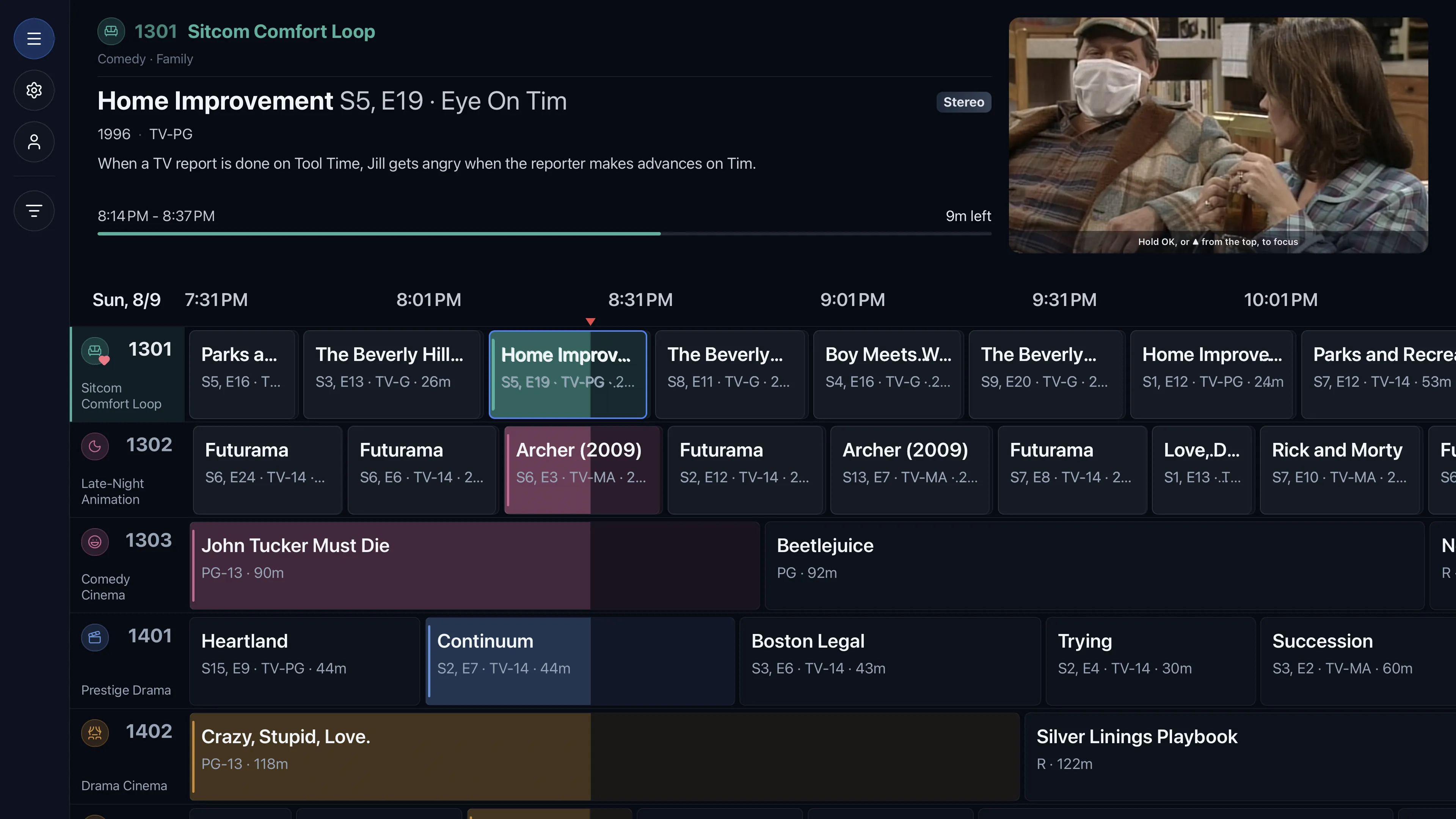
Airwave's viewer app is a full 10-foot TV experience — an Aurora channel-guide grid, a native-first
player with a DVR scrubber, channel up/down, and the "Up Next" bumper card. It's the same app across
platforms, delivered four ways: as a native binary (tv-native) for the living-room streaming boxes,
as a web player (tv-web) for browsers and packaged webOS, as a native desktop app (tv-tauri)
for Windows, macOS, and Linux (built on Tauri with our own mpv engine), and as a native Roku channel
(tv-roku) built directly in Roku's SceneGraph. The web/native/desktop builds share the React UI; Roku is
its own codebase held to the same design and server contract — so the experience matches everywhere.
The 10-foot / large-tablet stance
Airwave is built for a couch, a remote, and a big screen — TVs, streaming boxes, and large tablets. The iPad build is deliberately iPad-only (a large-tablet layout, not a phone UI). There is no phone app, by design: the guide grid and glass player are laid out for a 10-foot viewing distance, not a 6-inch screen.
Availability matrix
| Platform | App type | Playback | Status |
|---|---|---|---|
| Apple TV · tvOS | Native app | mpv | Full support |
| iPad · iPadOS | Native app | mpv | Full support |
| Windows | Desktop app (Tauri) | mpv | Full support |
| macOS · Apple Silicon + Intel | Desktop app (Tauri) | mpv | Full support |
| LG webOS | Web app (packaged) | native + hls.js | Full support |
| Any browser | Web player | native + hls.js | Full support |
| Android TV | Native app | mpv | Full support |
| Fire TV | Native app | mpv | Full support |
| Roku | Native app | native (SceneGraph) | Full support |
| Samsung · Tizen | Web app (packaged) | native + hls.js | Full support |
| Linux · Wayland + X11 | Desktop app (Tauri) | mpv | Full support |
Store status. Airwave is live on Apple TV (App Store), Fire TV (Amazon Appstore), Android TV / Google TV (Google Play), and Roku (Roku Channel Store), with iPad in App Store review. LG webOS and Samsung (Tizen) run as packaged web apps that you sideload (build from source or install the packaged app directly). The desktop app ships on Windows, macOS (Apple Silicon + Intel), and Linux: Windows and macOS as signed, self-updating installers, and Linux as a self-contained AppImage (Wayland and X11), all on the same Tauri + mpv core. Because Airwave is source-available, you can also build and sideload any native app yourself.
Native apps (tv-native)
The native app is Expo / React Native (react-native-tvos) with an mpv playback engine
(@airwave/mpv-player). mpv is what lets it direct-play wide codecs natively — 4K HDR HEVC,
TrueHD/DTS, and more — instead of forcing a server transcode. On first launch each device runs a short
capability diagnostic that measures exactly what it can decode, so Airwave direct-plays where
possible and only transcodes when it must.
Distributed through each platform's store (a small paid download), or built and sideloaded from source.
The web player (tv-web)
tv-web is the same 10-foot app built with Vite + React + TanStack Router, using the browser's
native <video> element with an hls.js fallback for MSE playback. It powers two things:
- Any browser — via the optional
tvwebDocker role, an auth-gated web player you serve from the same compose stack. This works today, for free, on any modern browser. - LG webOS — the same web app packaged as a webOS TV app, sideloadable today via the
ares-installCLI. - Samsung (Tizen) — the same web app packaged as a Tizen TV app, sideloadable today via Tizen Studio's
tizen install(its store listing is still to come).
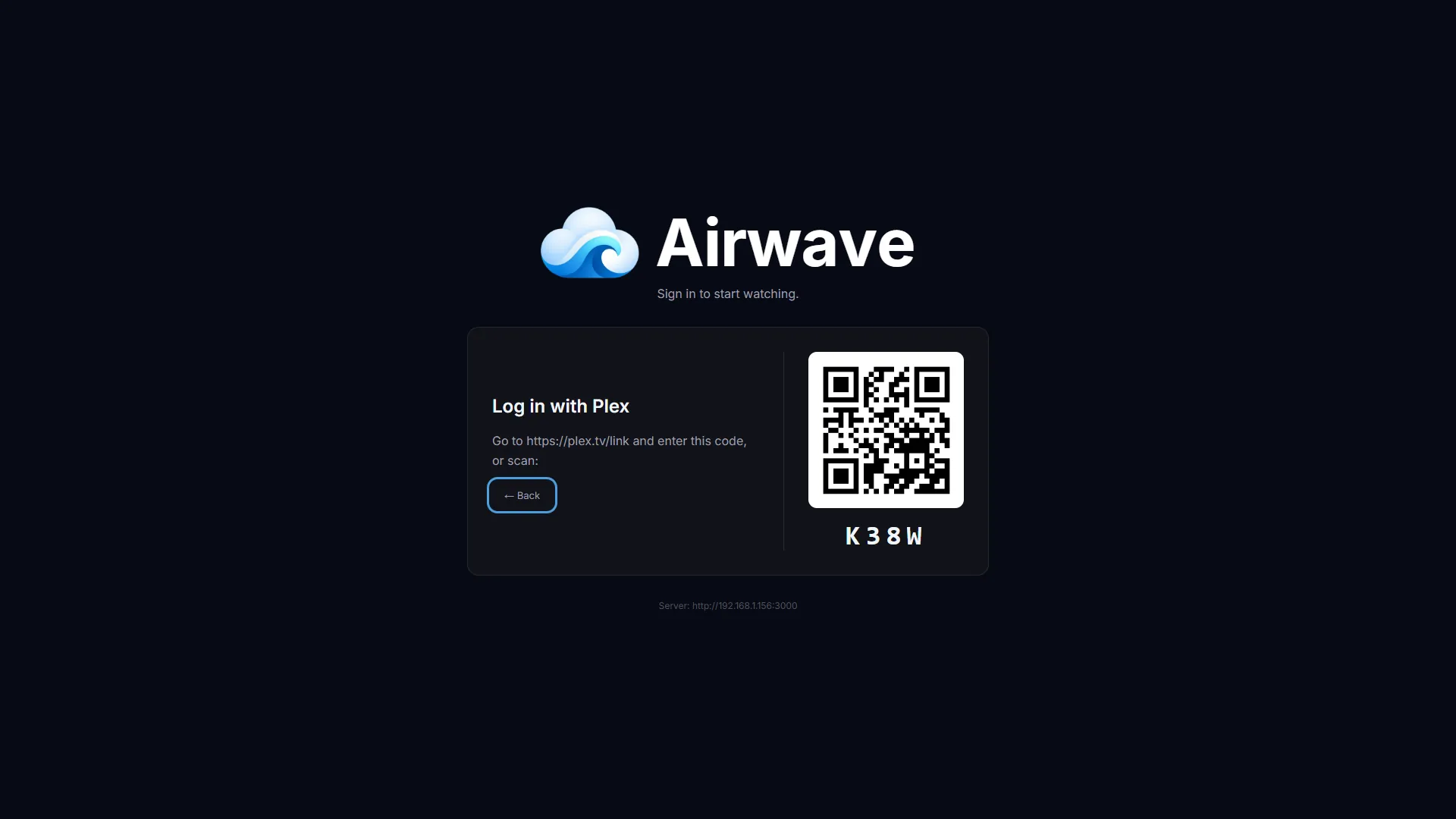
TV clients sign in with a device-code flow — scan a QR or enter a short code — using either "Sign in with Plex" or any Airwave account.
Desktop (tv-tauri)
The desktop client is a native Tauri app for Windows, macOS, and Linux that reuses the tv-web
React UI (guide, DVR player, settings) inside a native shell — with its own bundled libmpv as the
playback engine, exactly like the living-room native apps. That's what lets the desktop app direct-play
wide codecs (4K HDR HEVC, TrueHD/DTS) with no server transcode, which a browser's <video> can't do.
The video renders on a native surface behind a transparent web view, so the Aurora glass chrome composites
right over it.
Beyond the shared 10-foot experience it adds proper desktop affordances: full mouse support
(hover-to-focus, click-to-tune), a picture-in-picture mini feed that keeps playing in the guide, a
custom window titlebar with true fullscreen (F11, covers the taskbar), spacebar play/pause, and
channel entry via the number row or [ / ]. Sign-in is the same device-code flow (Plex or an
Airwave account), it runs the same capability diagnostic (mpv-measured), and it talks to the identical
/api/v1 server contract.
Windows and macOS (Apple Silicon + Intel) ship today as signed, self-updating installers — the macOS builds are Developer-ID signed and notarized. On Windows mpv renders into a child window behind the web view; on macOS it renders through mpv's render API into a GL surface behind the transparent web view (with HDR-EDR passthrough on HDR-capable displays), so the glass chrome composites over the video either way. On Linux it renders through the same mpv render API into a Wayland subsurface behind the transparent web view (no GTK reparenting), matching the macOS approach. Distributed as signed, self-updating installers on Windows and macOS and a self-contained AppImage (Wayland and X11) on Linux, or built from source.
Roku (tv-roku)
Roku can't run the web or React Native builds, so the Roku channel is its own app, written in
BrighterScript + SceneGraph — Roku's native UI toolkit. It's a fully independent, separately-maintained
codebase that shares zero code with tv-web or tv-native, yet it's held to strict visual and
functional parity: the same Aurora guide, glass player with DVR scrubber, channel surf, "Up Next" bumper
card, and settings — a household moving between an LG TV, an Apple TV, and a Roku should feel they're using
one product.
It plays through Roku's native Video node, which direct-plays wide codecs (4K HDR HEVC and more) with
no server transcode — and where a transcode is unavoidable, the server hands Roku an MPEG-TS HLS stream its
native player demuxes cleanly. Device capabilities come from Roku's authoritative
roDeviceInfo.CanDecodeVideo API (rather than the measured <video>/mpv probe the other clients use),
feeding the same capability model. Sign-in is the same device-code flow (Plex or an Airwave account),
and it talks to the identical /api/v1 server contract — so nothing server-side changes.
Distribution is via the Roku Channel Store (live), or sideloaded from source in Developer Mode.
Also: the admin panel
Separately from the viewer apps, the admin web app runs in any browser — it's where you create channels and packages, manage users and bumpers, run jobs, and preview lineups. It's admin-only; viewers only ever use the TV apps. See Architecture for how the admin and the players relate.
See also: Architecture · Getting started · Capability diagnostic · Sessions